

Accessibility, live: what we learned watching blind professionals use the web
이 글은 한국어로도 제공됩니다. 한국어로 읽기 →Want to feel what the night was like? From the talks to the networking and everything in between, here's the aftermovie from Accessibility, live 🎥.
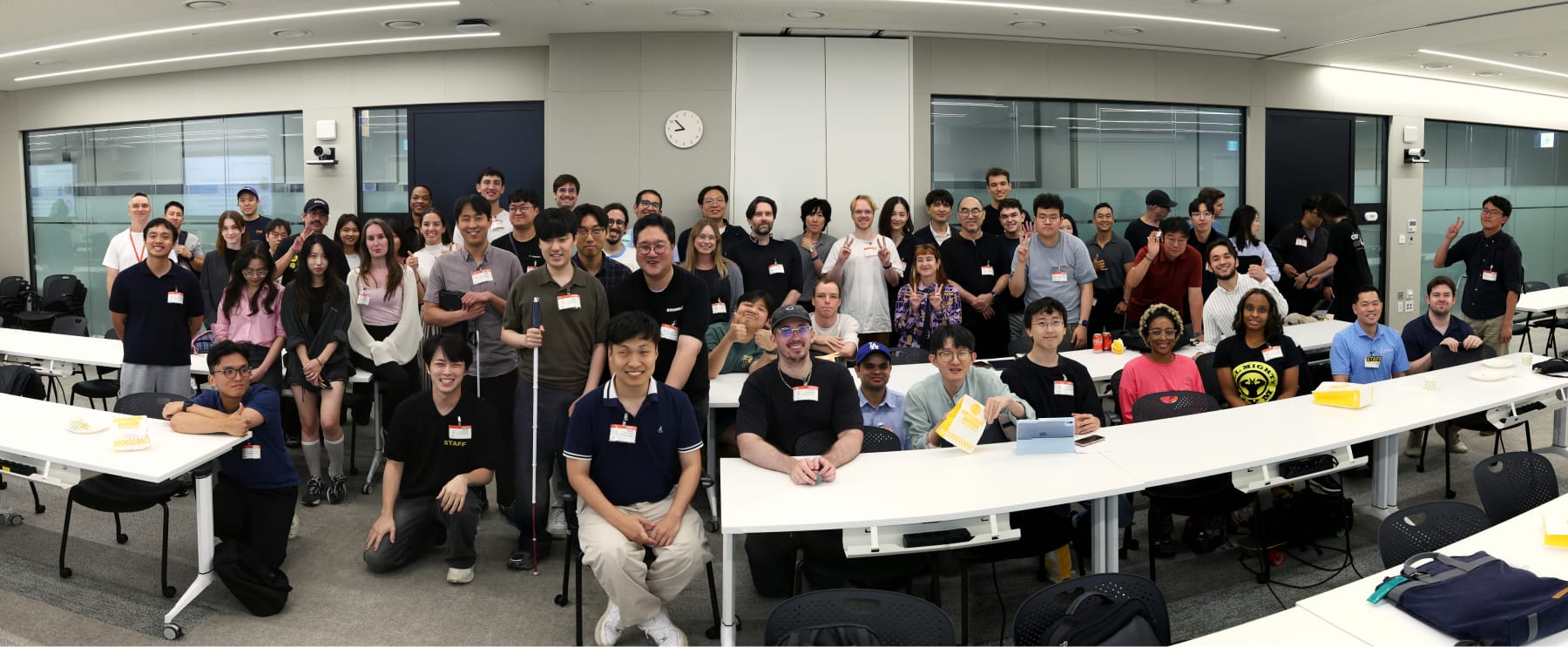
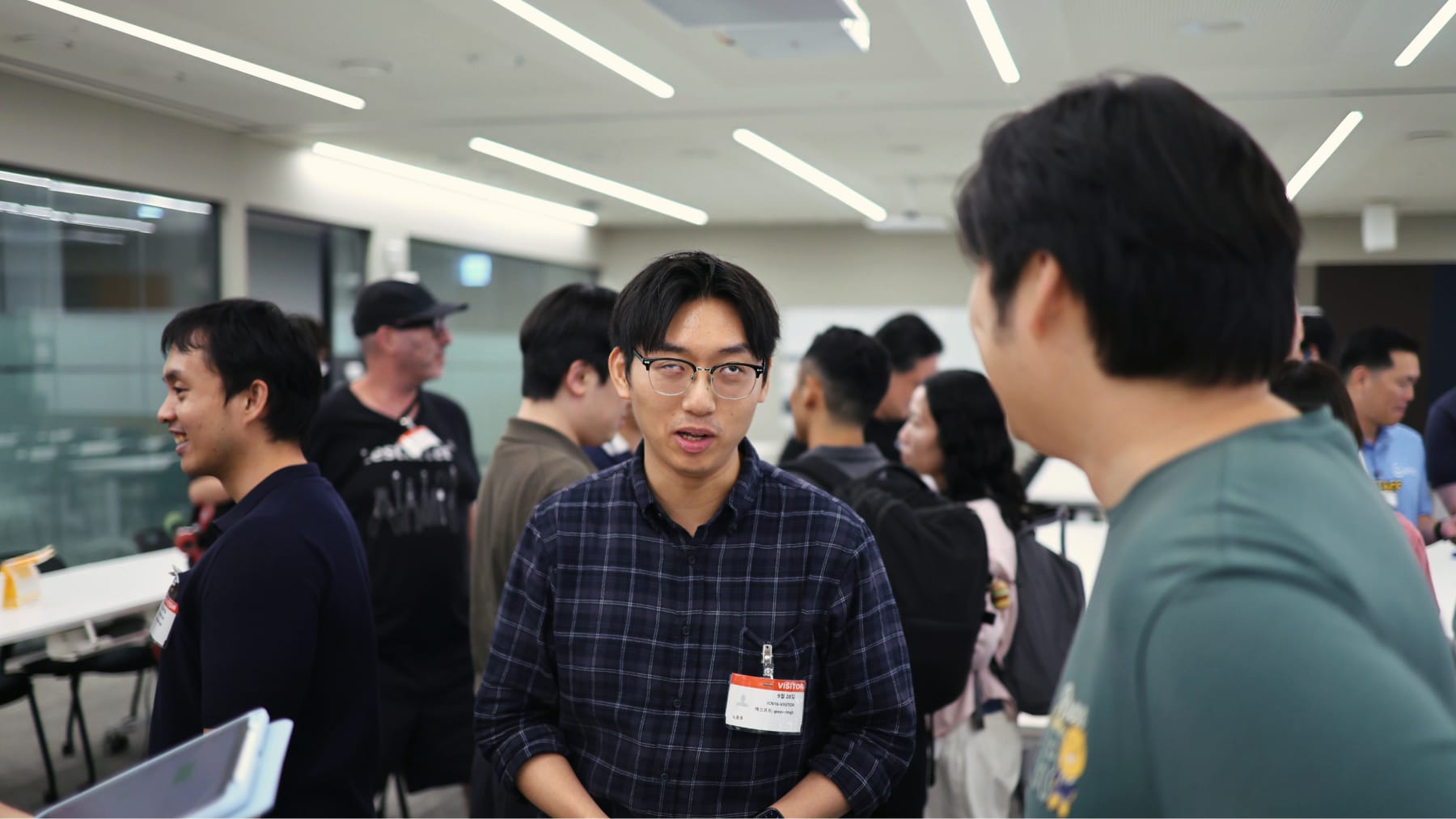
On September 28 we ran Dev Korea #15, Accessibility, live, at the AWS Korea office in Gangnam. A bit more than 80 people came out.
This is an event I had wanted to run for a long time. I kept coming back to the idea, but I never really knew how to approach it, so I kept postponing it. I'm very glad we finally did.
Most of us build accessibility the same way: run the linter, check the contrast ratio, add a few labels, ship. Very few of us have ever watched someone actually use what we built with a screen reader. So instead of another talk about WCAG compliance, we asked two blind and low vision professionals to show us, live, how they use apps, websites and AI tools every day.
Your daily life must not stop
Inho Seo, author of 나는 꿈을 코딩합니다 (I code dreams), opened with a question most of us never ask ourselves: what would you do if you lost all of your vision?
Nobody wants it to happen, but it can happen to anyone, through aging, an accident or a medical condition. His point was that the most important thing afterward is that your daily life doesn't stop. And today, daily life runs through phones, laptops and watches. Digital accessibility is what keeps it going.
Then he showed us, starting with his phone. He read and replied to KakaoTalk messages, and searched for places on a map to find his way around.
I also tried a little game with him: starting from his home screen, how long would it take to find and play "ANTIFRAGILE" by LE SSERAFIM on YouTube? Find the app, type the name, pick the video, play. It took him about 20 seconds, which was crazy fast. Probably as fast as anyone else in the room could have done it.
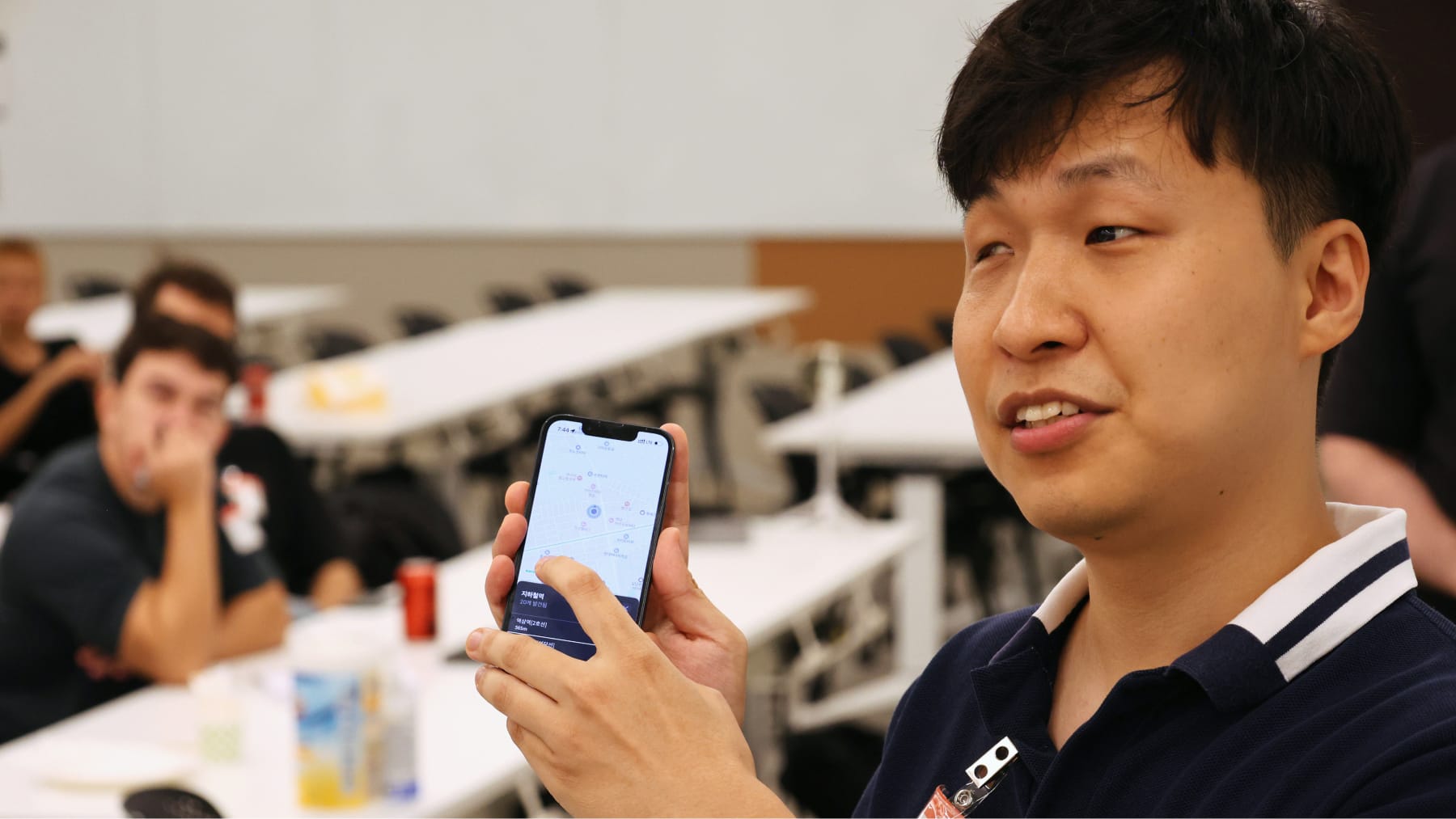
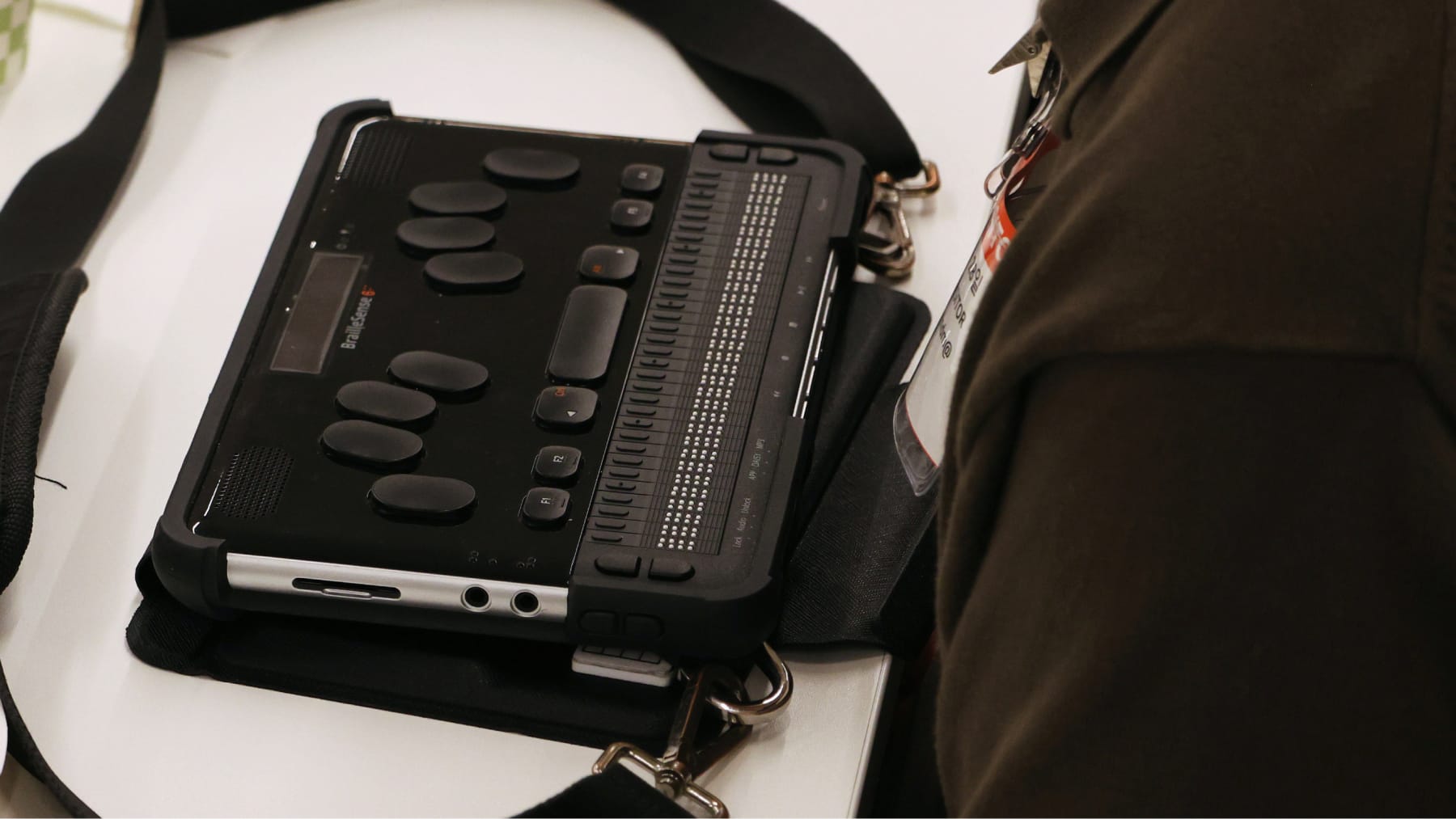
Then he moved to his laptop. He opened his IDE, connected to a virtual machine over SSH in the terminal, wrote code, and installed VS Code extensions, all by listening.
He had actually switched to a new laptop just a couple of days before the event. He said that's one of the hardest parts: a new machine means configuring everything again and finding and reinstalling the tools he relies on. Once that's done, he's ready to go.
One detail I loved: he had slowed his screen reader down so the rest of us could follow along. On his own, he always keeps it at maximum speed, and he still wishes it could go faster.
In the Q&A, someone asked whether he relies on voice assistants like Siri, since that seems like the obvious tool. His answer: he basically never uses them. He's at his fastest with the screen reader, on his phone and on his laptop.
He also told us that for someone who is blind, backend work is easier than frontend, which makes sense. And yet these days, he's working on the frontend.
That was really his message for the whole talk: being blind doesn't make a difference in what he can do. He can do the same things as anyone else, and then he spent his talk proving it.
From a web we listen to, to a web we collaborate with
Chan-Hong Kim, CEO of Ally's Accessibility Lab, then took us one step further, with Heonyong Kim by his side translating into English.
Chan-Hong isn't fully blind, but he can't see well, so he uses a mix of tools: screen magnification to make everything bigger, with a screen reader on top.
He started with how the web works today for people who browse non-visually. A screen reader doesn't see the page you designed. It reads the accessibility tree and presents it one element at a time, and that comes with a list of problems:
- Without sight, using a mouse is difficult
- Navigating sequentially makes it hard to grasp the page as a whole
- The more elements on a page, the harder it is to navigate
- Poor alt text and misused ARIA hide information
- You end up lost in the UI instead of getting your work done
Then he showed us what that looks like on Coupang. He searched for a product and wanted to narrow the results with a price range filter. With the screen reader and tab navigation, he simply couldn't reach it. Not slow, not annoying: impossible.
His proposal is to put an agentic browser between the screen reader and the page. Tools like the Chrome DevTools Protocol, Playwright or Puppeteer let an agent read the DOM and the accessibility tree, and navigate, click, type and scroll.
What matters to him is collaboration, not just automation. A headless browser doing everything in the background makes it hard for the user to follow along and step in. In his model, the agent handles navigating and interacting with the UI, while the user keeps goal setting, judgment, approval and review. The shift is from navigating UIs to completing tasks.
So he switched to Aside, an agentic browser, and asked for the same thing on Coupang. Instead of fighting the page, he told the agent what he wanted, and it came back with a solid product recommendation. Not perfect, but way easier.
He was just as clear about the limits. Setup is still a hurdle, since you need the right tools installed. There are real security risks when an agent can access your login sessions, cookies, what's on your screen and what you type. And the web isn't built for agents either: CAPTCHAs, bot detection and rate limits block them, dynamic pages, iframes and pop-ups break them, and unclear labels or weak accessibility trees confuse them.
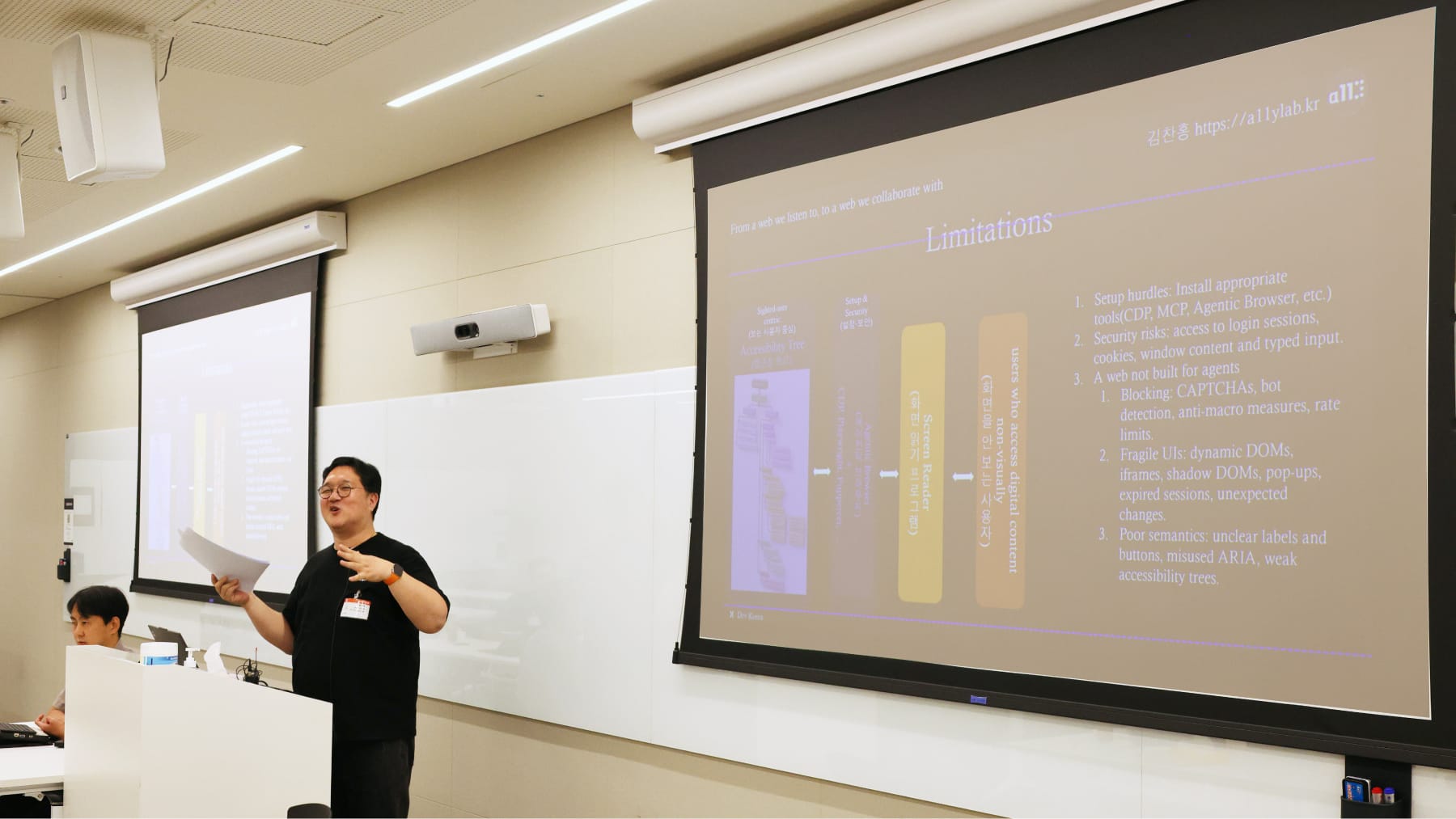
That last point led to the line from his slides that stuck with me. Clear labels, meaningful structure and accessible controls help screen reader users understand and navigate content, and they help AI agents interpret and interact with it too. A more accessible web is a more agent-friendly web. Permissions and security still apply, but if you build for one, you're building for both.
In the Q&A, someone spotted his Steam library and asked about games. He does play, just not shooters. He's more into logic and turn-based games, so gaming is very much possible too.
The most attentive room we've had
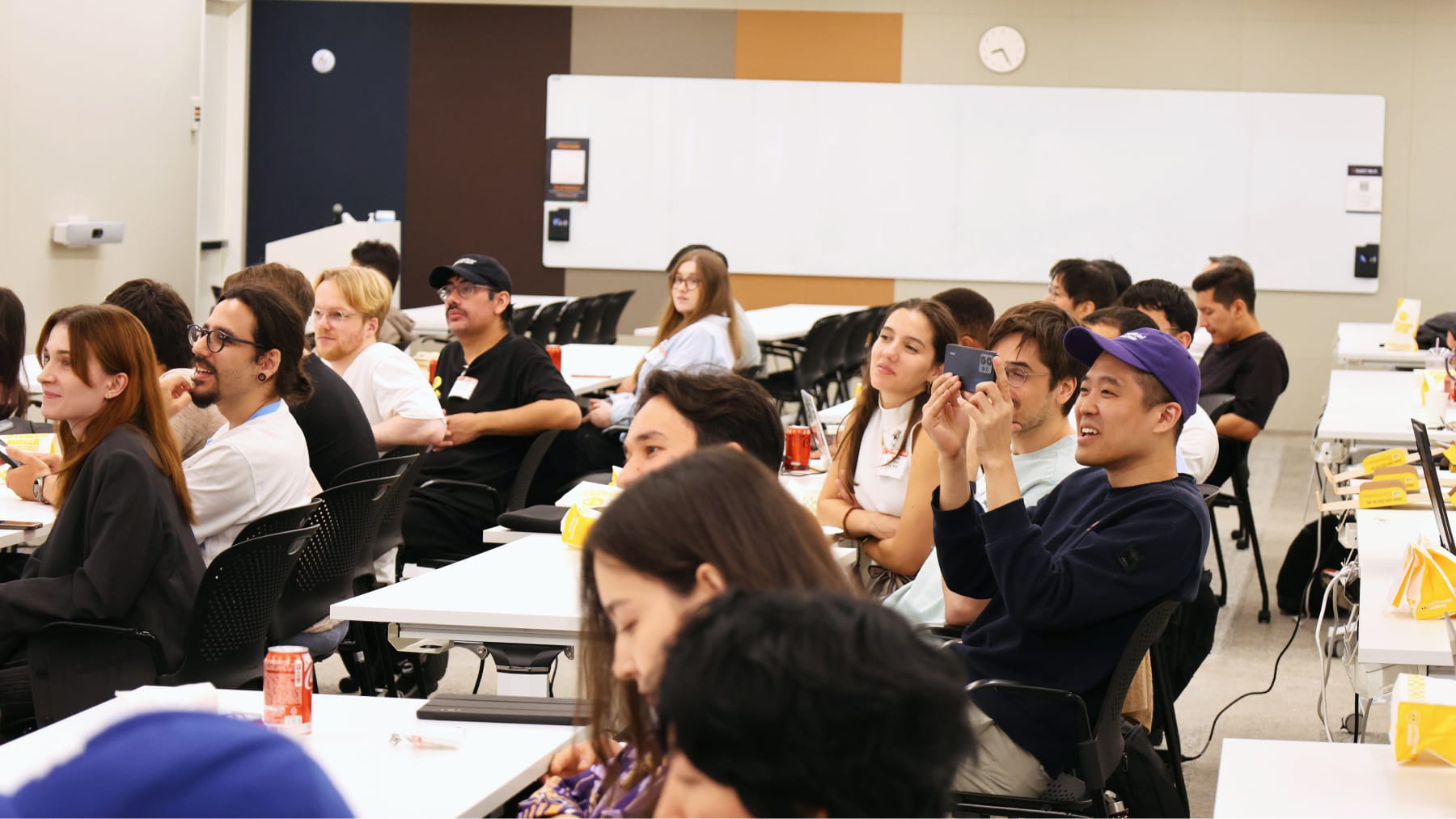
Of all our events, this is the one where I saw the most people really listening. People were following every step of the demos and actually learning from what the speakers were showing us.
A lot of people were even taking notes.
The room
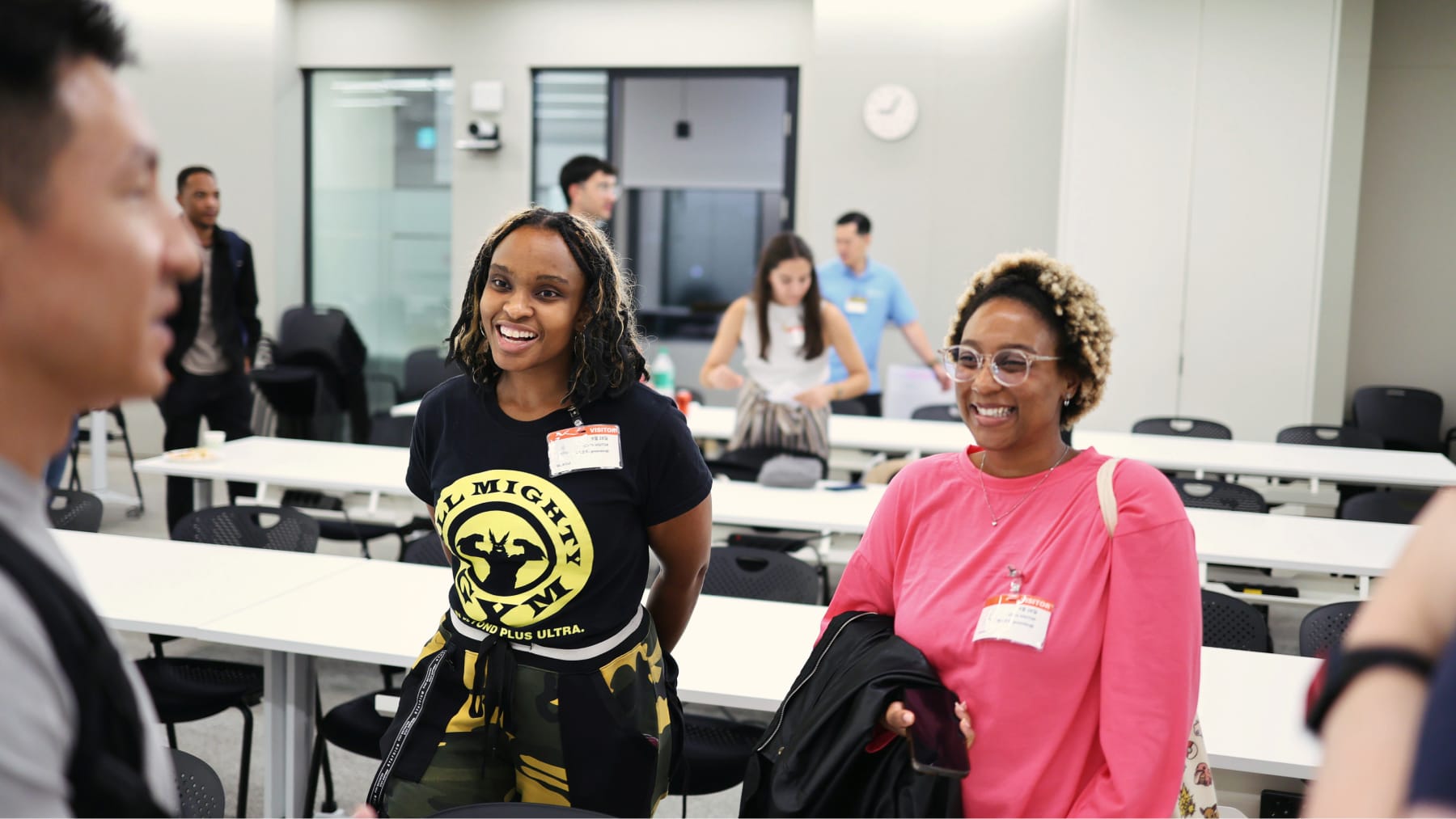
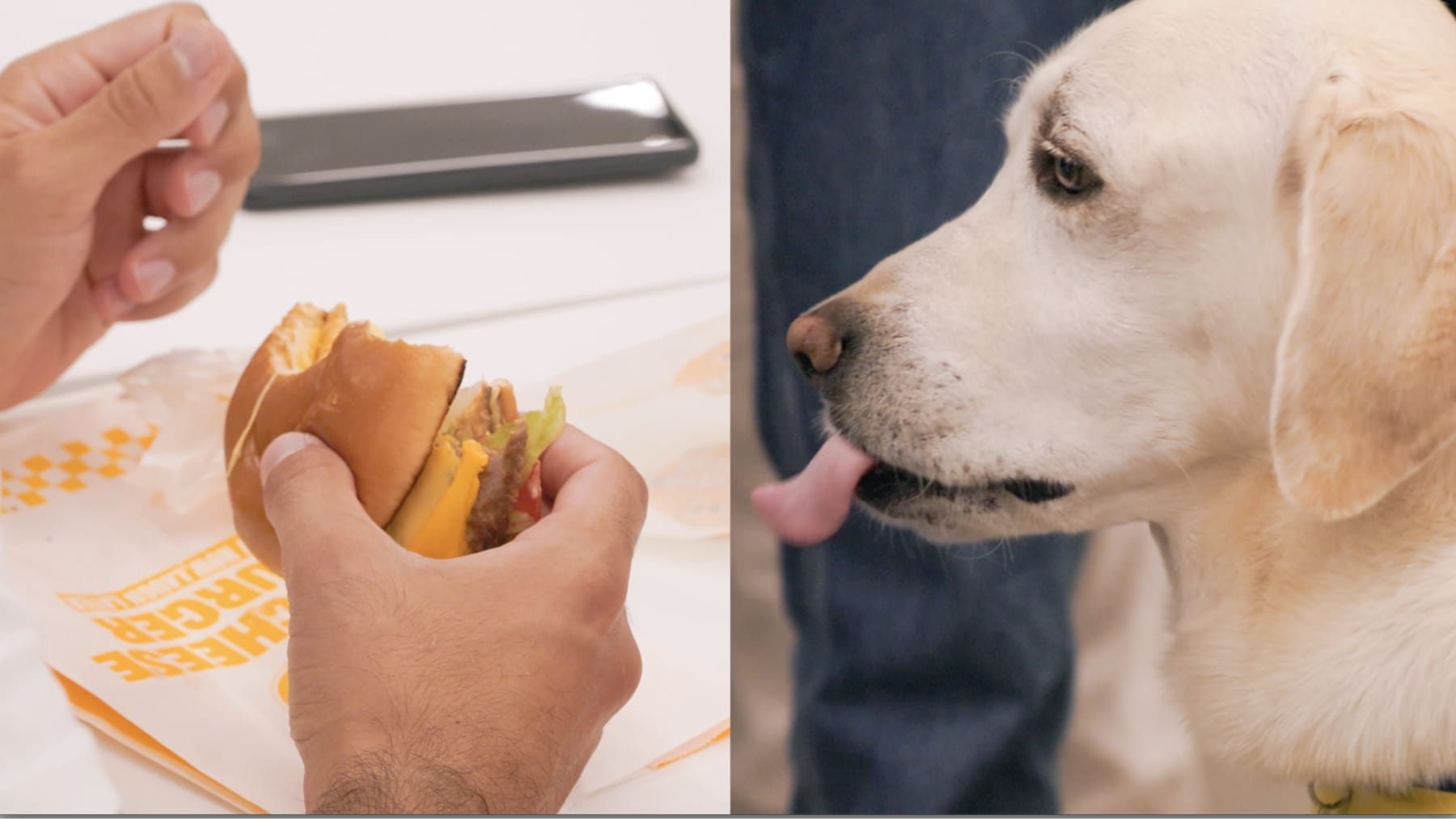
We started with check-in and food, the usual pizza and burgers, with the burgers from Cry Cheeseburger. After the two talks, people stayed around for networking until closing.
One of our attendees also came with their service dog, easily the cutest guest in the room. And a very polite one, even with all that food around.
Huge thanks
This event wouldn't have happened without:
- Inho Seo for showing us what a normal day on a computer looks like without sight
- Chan-Hong Kim and Ally's Accessibility Lab for showing where the web could go next for people with visual impairments
- Heonyong Kim for translating Chan-Hong's talk into English
- David Green and AWS Korea for hosting us at their Gangnam office
- Cry Cheeseburger for the burgers
- The volunteers who kept the night running: Brian, Cory, Jason, K, Oscar, and Sehyun
- And everyone who came, listened closely and asked questions
See you at the next one.